
Turbo Booster
Turbo Booster is a free Android cleaner and booster app from Softonic International SA that clears junk files and closes background apps.
9.0 MB

3.9.8.1.3 · DU Apps · Page updated
DU Battery Saver is an Android app from DU Apps that shows battery usage and offers power-saving modes and one-tap optimisation.
Average 0.0 · ratings: 0
Thank you! Your rating is saved; you can change it. Could not save the rating. Please try again later. Too many ratings from your network today. Please try again tomorrow. The average appears after 5 ratings.
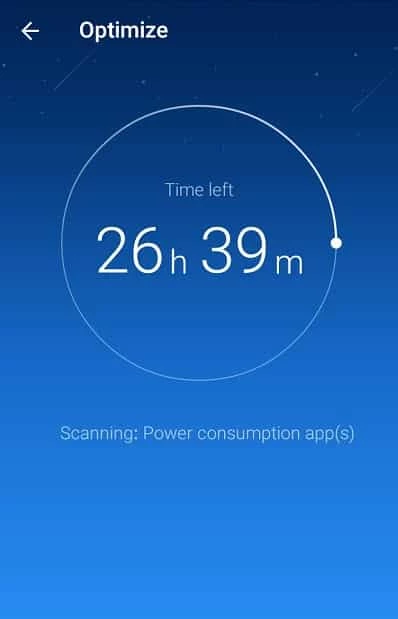
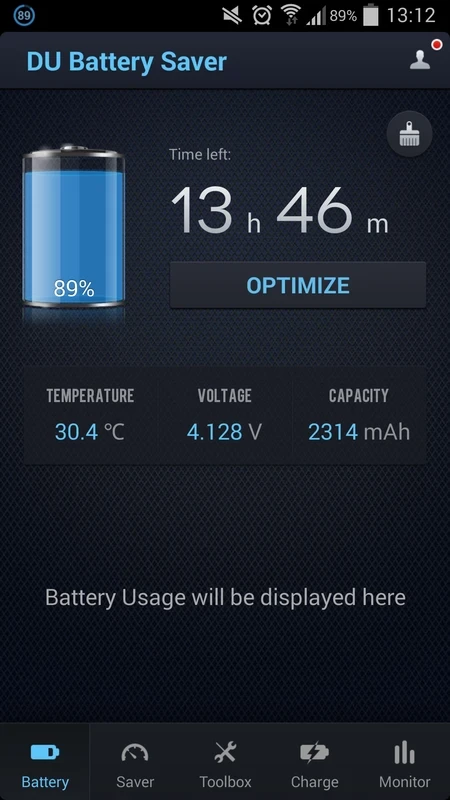
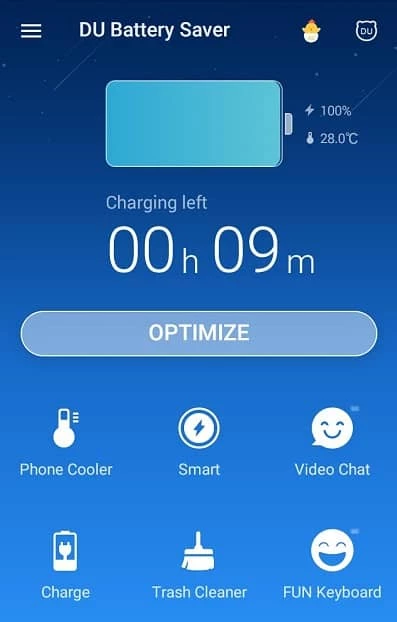
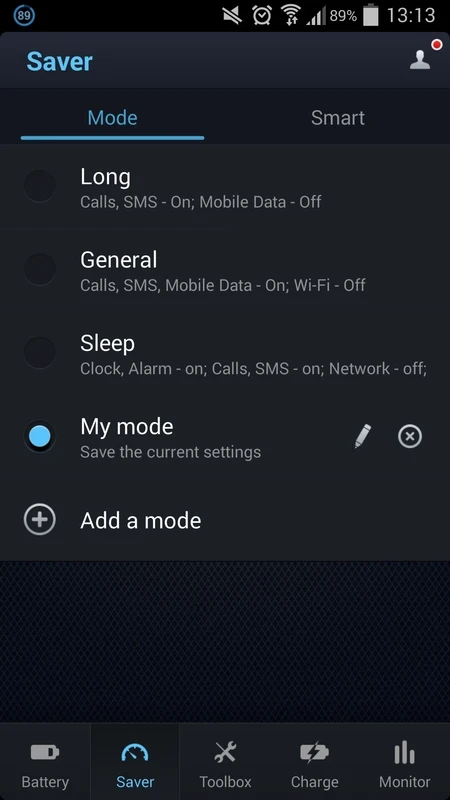
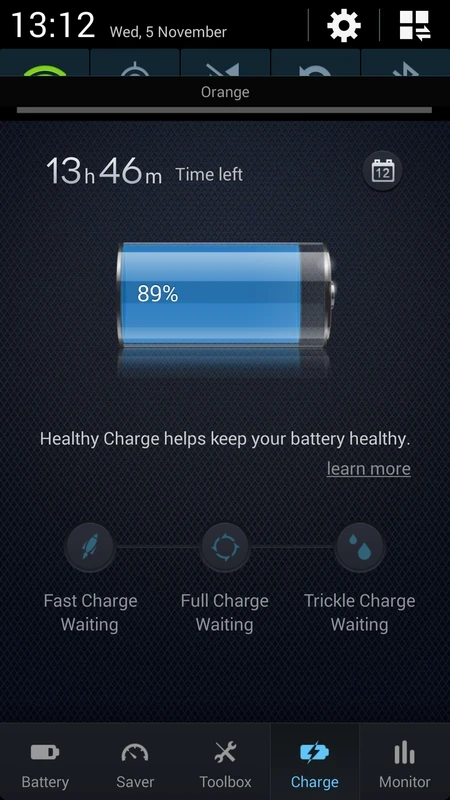
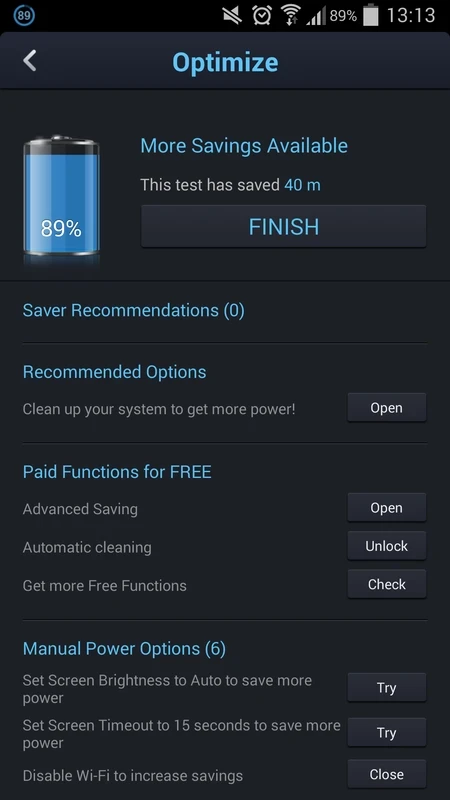
DU Battery Saver 3.9.8.1.3 is an Android app from DU Apps that monitors battery use and offers power-saving profiles and quick optimisation. It was a popular download in the years when phones had few power-management tools of their own. Before you download DU Battery Saver for Android, read the answers below: modern Android already covers much of what it does.
The app shows how much charge is left and how long it is likely to last, lists apps that use a lot of energy, and lets you switch between profiles that lower screen brightness, turn off Wi-Fi, Bluetooth or sync and shorten the screen timeout. A one-tap button closes background apps. Widgets and a status bar indicator put these controls on the home screen.
Usually not. Current Android versions include battery usage statistics, a battery saver mode and adaptive limits for apps you rarely open, and phone makers add their own power settings on top. Closing background apps by force can even cost energy, because Android then has to start them again from scratch. A separate battery app mostly makes sense on older phones that lack these features.
We have no official store link or website for this app, and its availability in Google Play may vary. That makes copies on APK sites the main source, which is risky: an app that asks to manage other apps and see usage data is exactly what attackers like to imitate. If you cannot find it in your phone's official store, use the built-in tools instead.
Battery managers typically ask for access to usage statistics, the ability to change system settings and permission to run at startup and show notifications. Grant only what you understand, and check the permissions list before installing any similar app.
About 6.28 MB according to catalogue data, and it is free; apps of this type are usually financed by advertising.
Our listings include AVG Cleaner – Storage Cleaner and Turbo Booster, both aimed at freeing storage and tidying up the phone. For battery life, start with the settings already on your device.
Turbo Booster is a free Android cleaner and booster app from Softonic International SA that clears junk files and closes background apps.

AVG Cleaner – Storage Cleaner is an Android app from AVG Mobile that finds junk files, duplicate photos and large files to free up storage.